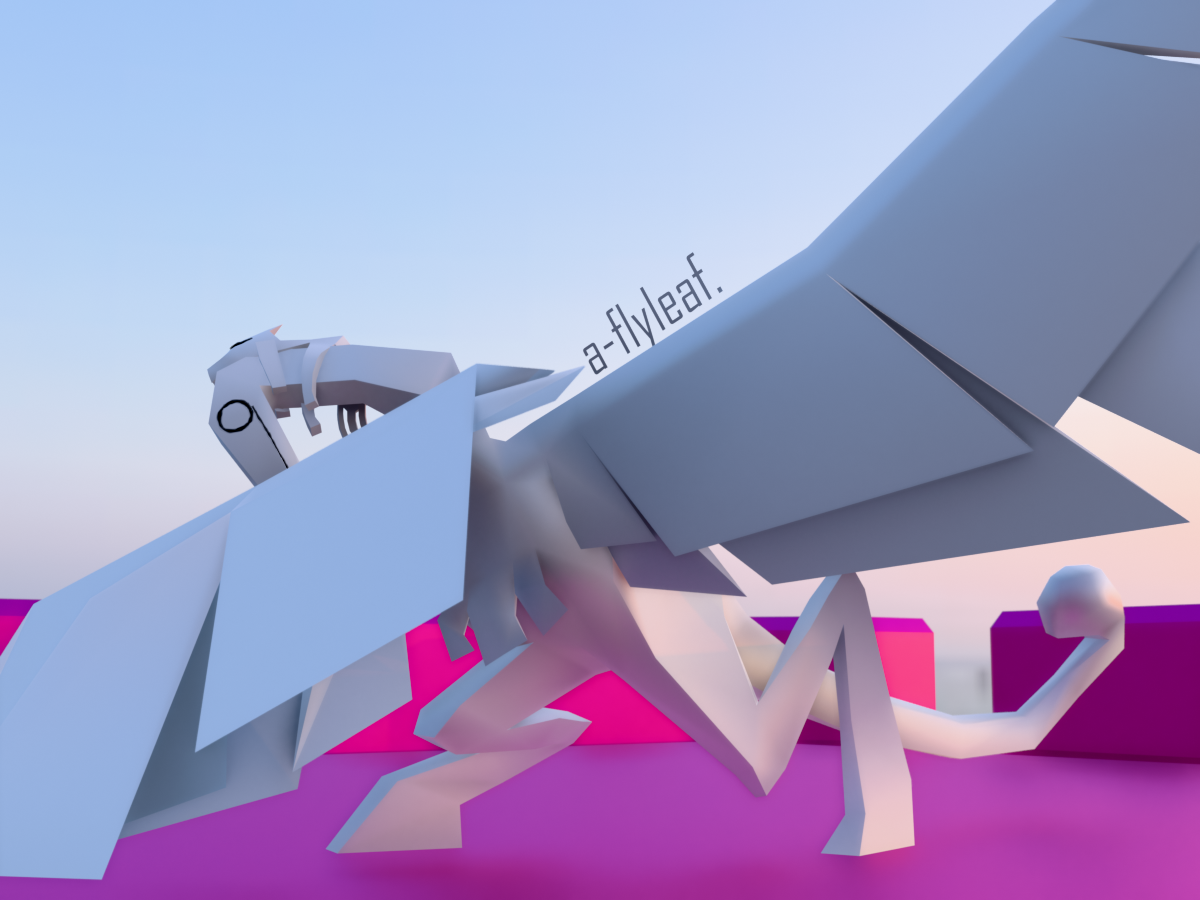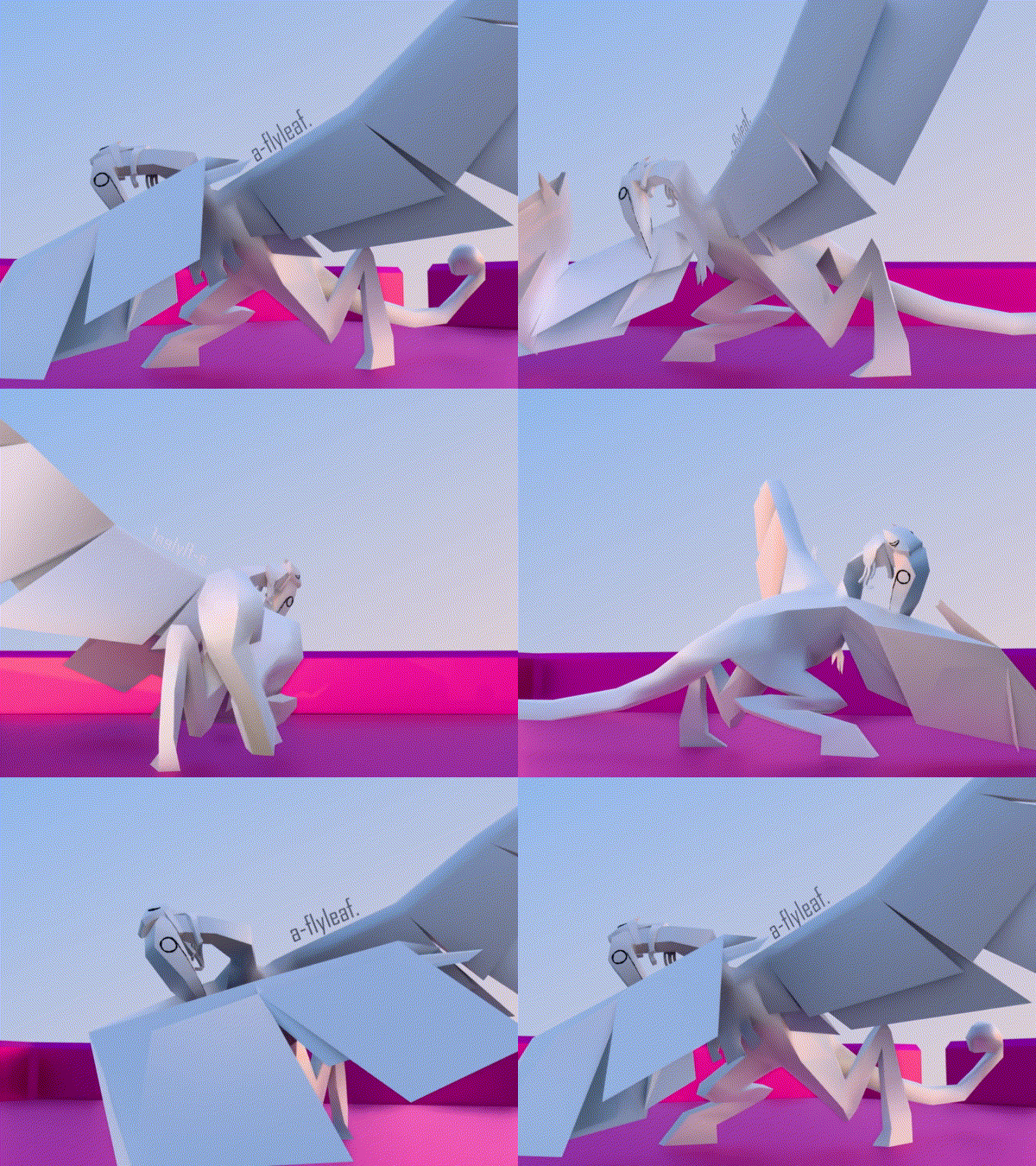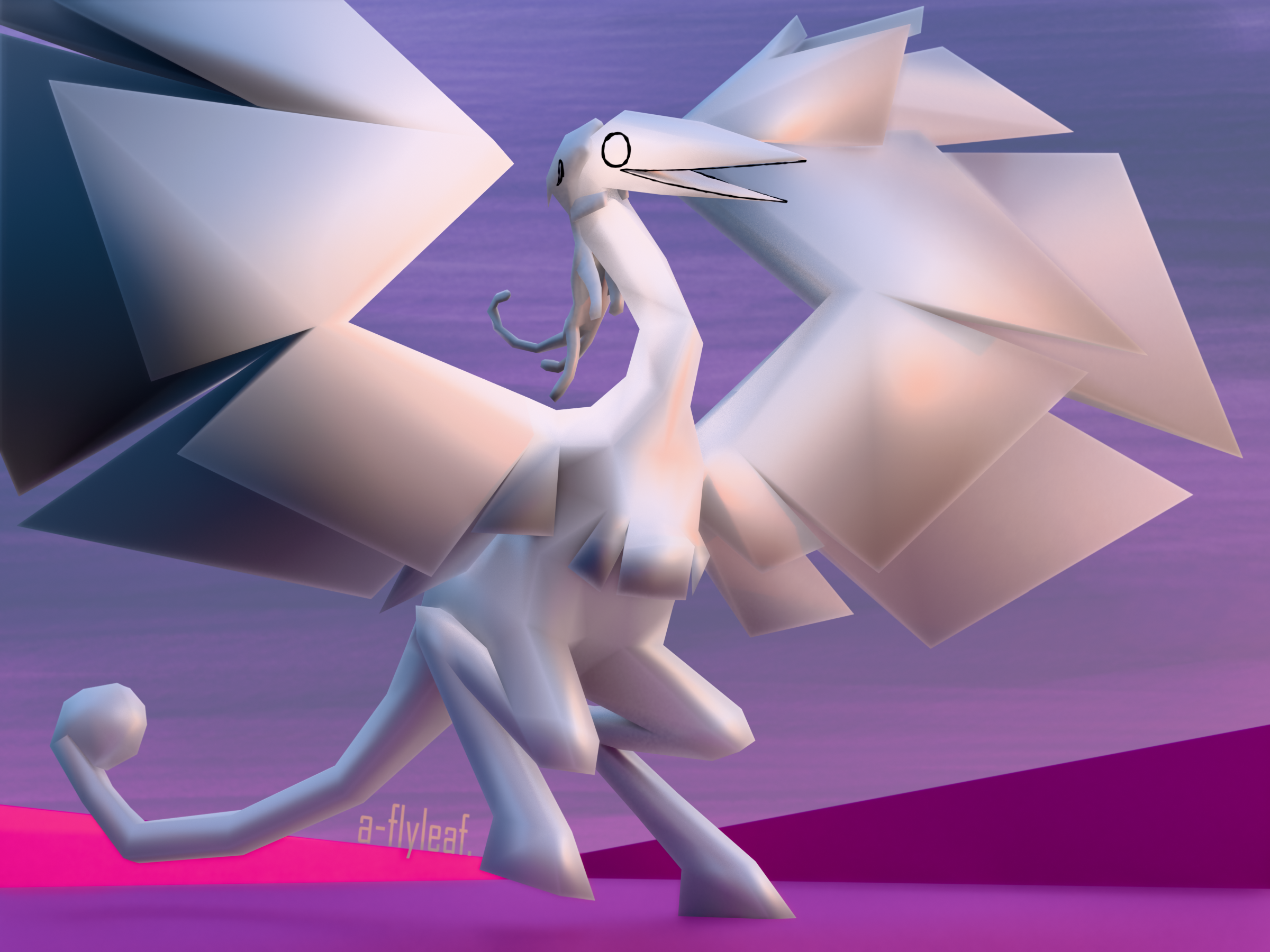
japhet.blend
- May 20, 2026 (with renders on the 27–28th)
- time taken: ~15.25 hours
A character design that has inexplicably stuck with me is Japhet OFFgame. Cat eats birb, birb puppets cat from within, birb bursts out of cat’s mouth pixel-horror-style in the buildup to the boss fight. It’s pretty cool!
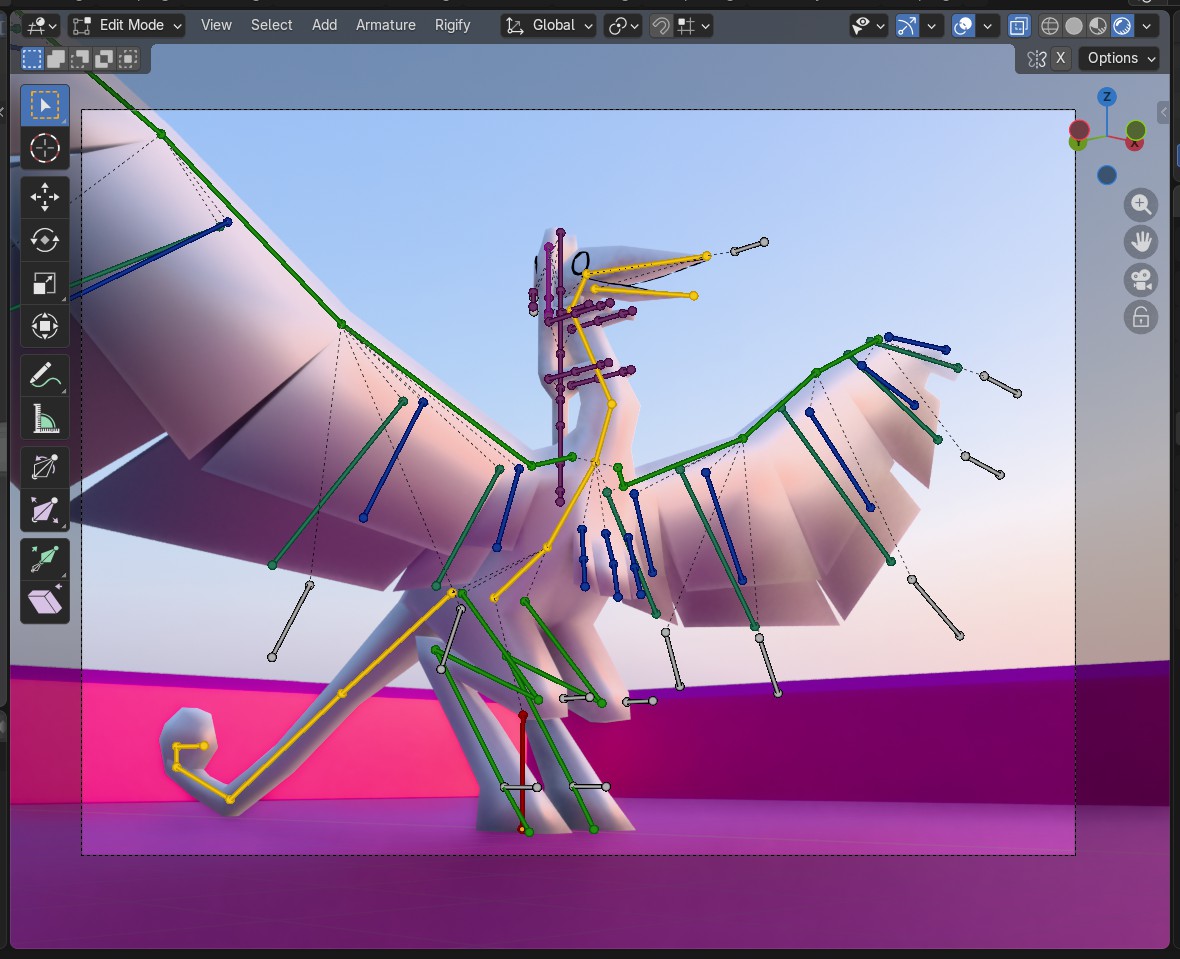
Anyway, this was a great modeling challenge. Did a big complicated rig All By Myself™! He’s not T-posed by default but whatever!! Features a smidge of Grease Pencil for the eye & beak outlines, some crumb of scenery, and one of Blender’s default HDRIs for the lighting.
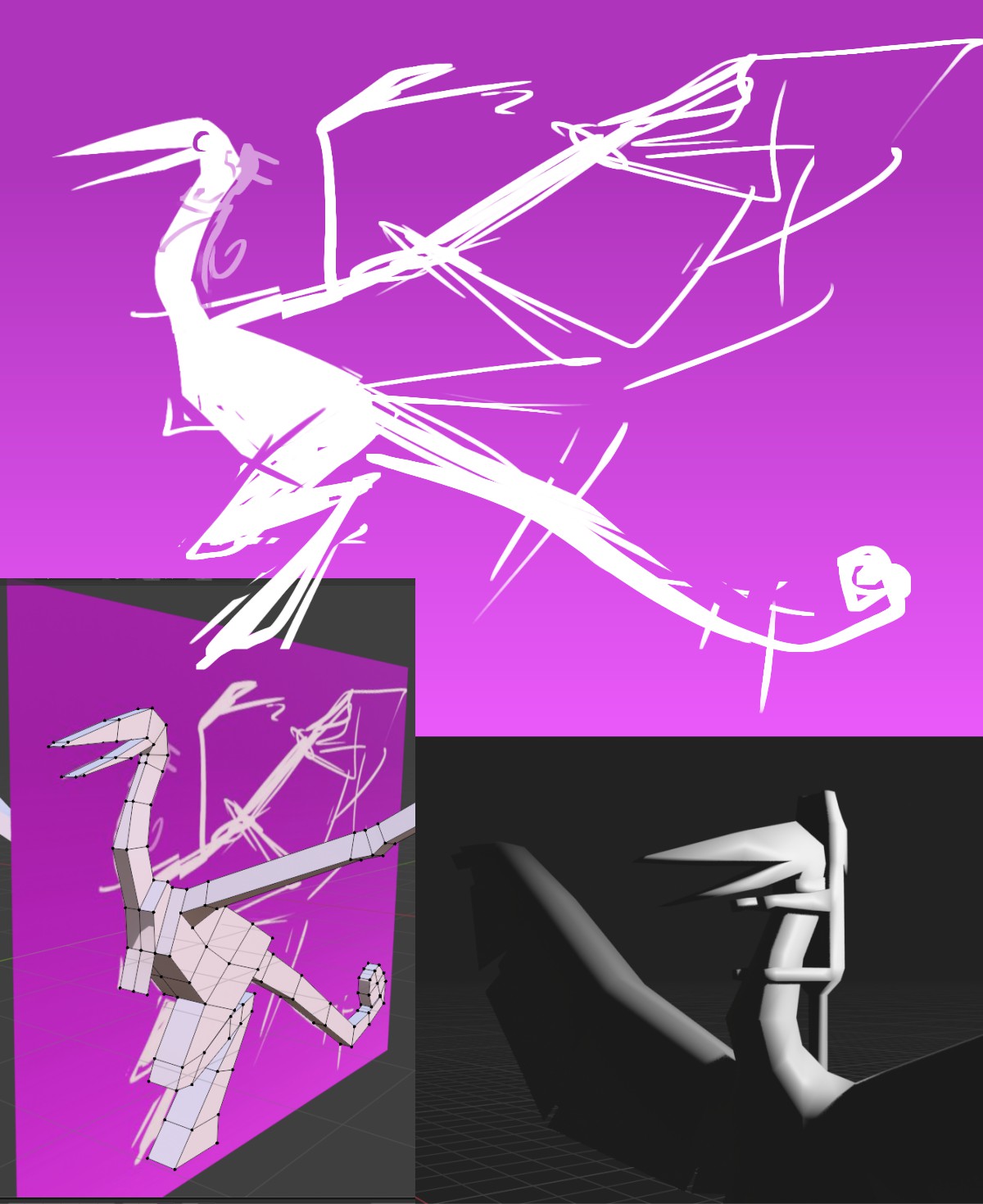
My initial plan was for a #ffffff (all white) model, shadeless or cel-only, with physics on Valerie (the cat) to make him all limp. But I like shiny materials and, despite the tedium, to have full control over bone positioning. Main thing I learned with this model ended up being how bone groups and (some) constraints work. Did not use Rigify, but generated and poked around at its default models to get a better sense of how it actually works.
As a side note, the shading is only super shiny and reflective-looking like this with Blender’s Smooth shading turned all the way on. Compare the main render above to the auto-smoothed version:
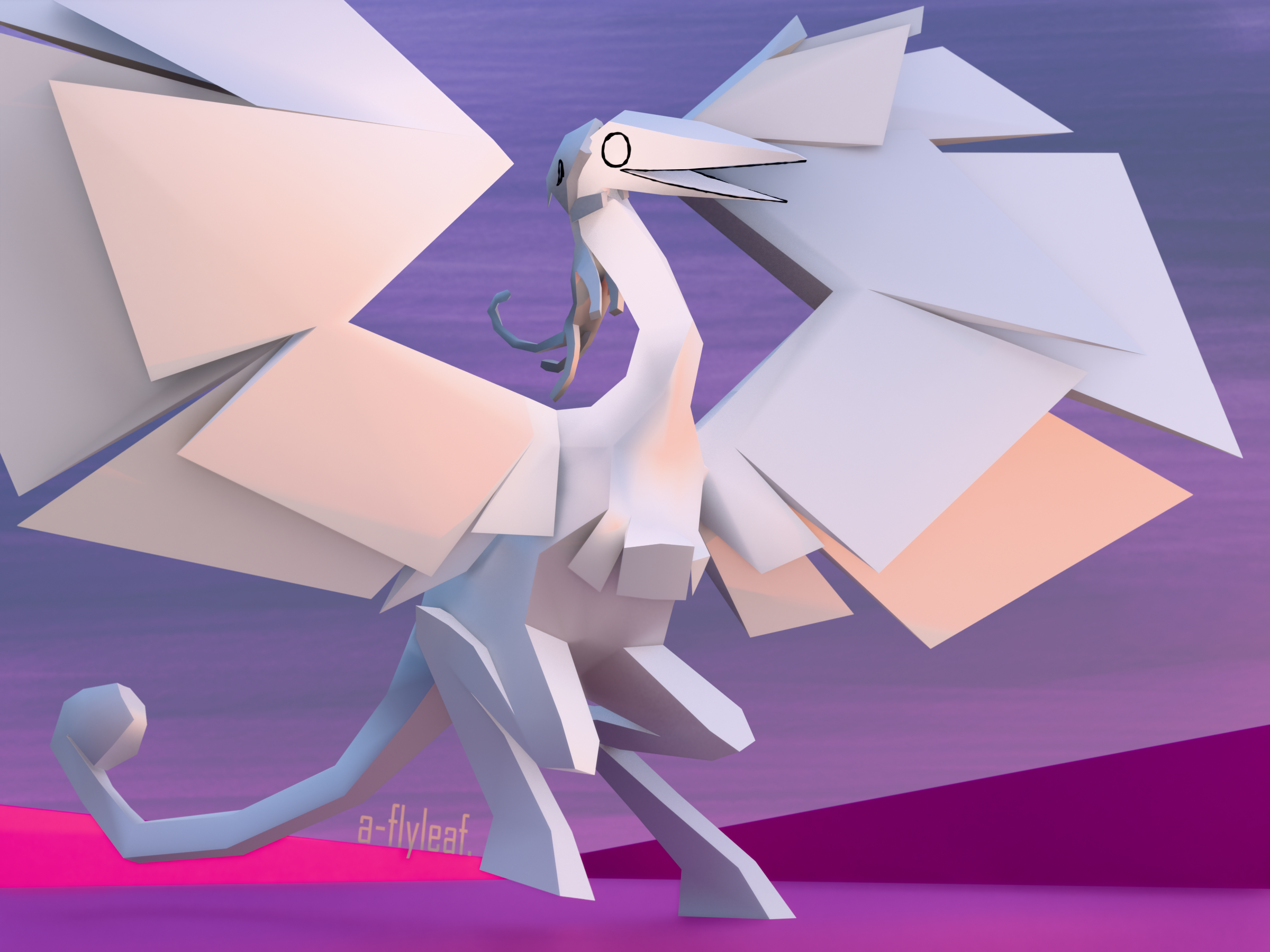
The wing bones could be tweaked further for ease of use, but overall I’m happy with how this turned out! Have some resource linkspam…
resources used and other techy footnotes
- YouTube: Inverse Kinematics in 2 Minutes. Uses Blender 2.8 but still entirely workable, give or take the UI (user interface, menus buttons etc.).
- StackExchange: keeping IK feet flat. Now that’s an old UI!
- YT: Rigging Eyes in 60 Seconds. Japhet’s eyes don’t move, but I used this for the head; it follows a single bone floating in front of the beak, carrot-on-a-stick style.
- YT: animating a tail (short) + I poorly explain the damped track constraint. I considered using this for the wings, but ended up preferring Copy Rotation for more control.
- YT: How to Join or Combine Armatures. TL;DR join it, then re-parent the child’s root bone(s) accordingly.
- r/blenderHelp: unifying bone colors.
ALTis key! - StackExchange: parenting Grease Pencil to an armature. Not mentioned: You also need to assign the Grease Pencil Layer to a specific bone through the Relations dropdown!
- StackExchange: disabling Grease Pencil overlap. auuughhh
- YT: Light Linking (Quick), used in the final render to highlight Japhet’s head and not Valerie.
…and a bird dab.